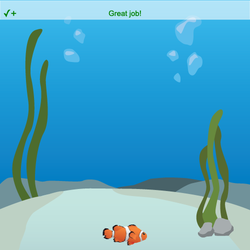
STEP 7: Time to add a score to our game! We'll update the score every time the player catches food.
- Click LOGIC in the toolkit, then go to . Drag Integer Variable to the bottom of the program.
- Change the variable name my_var to score.
- Change score's value from 25 to 0.
A variable lets us store a value that we can change later on!
To navigate the page using the TAB key, first press ESC to exit the code editor.
stage.set_background("underwater")
sprite = codesters.Sprite("fish")
sprite.go_to(-100, -220)
stage.disable_floor()
stage.set_gravity(4)
sprite.set_gravity_off()
def right_key():
sprite.move_right(20)
# add other actions...
stage.event_key("right", right_key)
def left_key():
sprite.move_left(20)
# add other actions...
stage.event_key("left", left_key)


