
第 5 步:接下来,我们需要将hidden_string转换为一个列表,以便我们可以在猜测字母时更新它!
- 拖出Convert String to List 。 my_list更改为hidden_list并将 my_var 更改为my_var hidden_string 。
- 将Variable Display添加到下一行。将显示名称更改为hidden_display 。
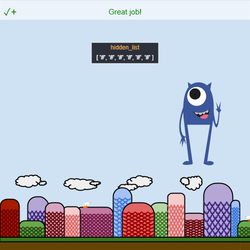
- 将.Display()中的参数设置为( hidden_list , 0 , 150 ) 。
- 点击运行和 输入一个词。请注意,出现的#s 列表与您的单词长度相同!
To navigate the page using the TAB key, first press ESC to exit the code editor.


